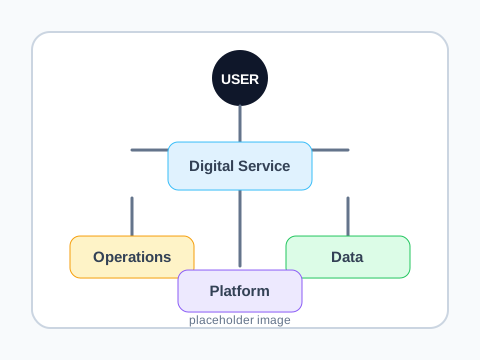
1. Value Stream Connections
Show how value is created
Start with a user need. Connect the activities, capabilities, data, and systems that make that need possible.
Type to search...
Wardley Mapping is a method for visualizing strategy, pioneered by Simon Wardley. By mapping user needs, value chains, and the evolution of components, it gives teams a shared language for situational awareness — seeing the landscape before choosing a move.
Wardley's open artifacts and strategic vocabulary have enabled an ecosystem of practitioners, tools, and innovation built atop his work. A Wardley map makes strategy visible: start with the user need, connect the activities that create value, place each component by evolution, then choose gameplay based on the landscape in front of you.
1. Value Stream Connections
Start with a user need. Connect the activities, capabilities, data, and systems that make that need possible.
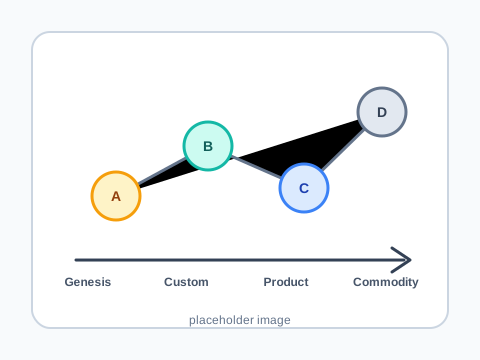
2. Evolution
Components move from novel and uncertain toward standard, common, and industrialized. Their position changes how you should treat them.
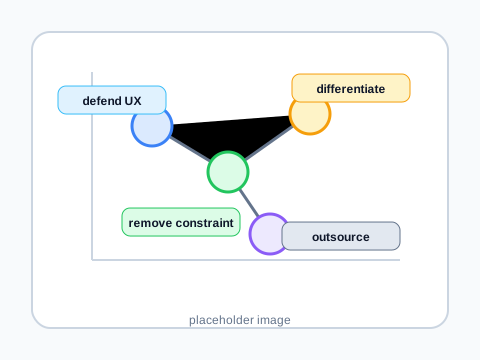
3. Gameplay
Use the map to pick moves: outsource commodities, invest in differentiation, remove constraints, or change the terrain.
We can't find the internet
Attempting to reconnect
Something went wrong!
Attempting to reconnect